DAILY DAZZLE
Flutter Project
Next In Tech
गहनाjewelleryNepali
Written in Ranjana, the calligraphic script of the Newars of the Kathmandu Valley.
Daily Dazzle is a jewellery shop in Nepal that sells from a phone. I built its Flutter app for customers, and worked on the two beside it: one for the shop's staff and one for the drivers who deliver.
Visit the shop on the web- Role
- Flutter development
- Company
- Next In Tech
- Product
- Customer, admin and delivery apps
- Stack
- Flutter, Riverpod, Dio, Hive, Socket.IO
- Since
- March 2026
Thirteen screens, three flows
The customer app, in the order a shopper meets it.
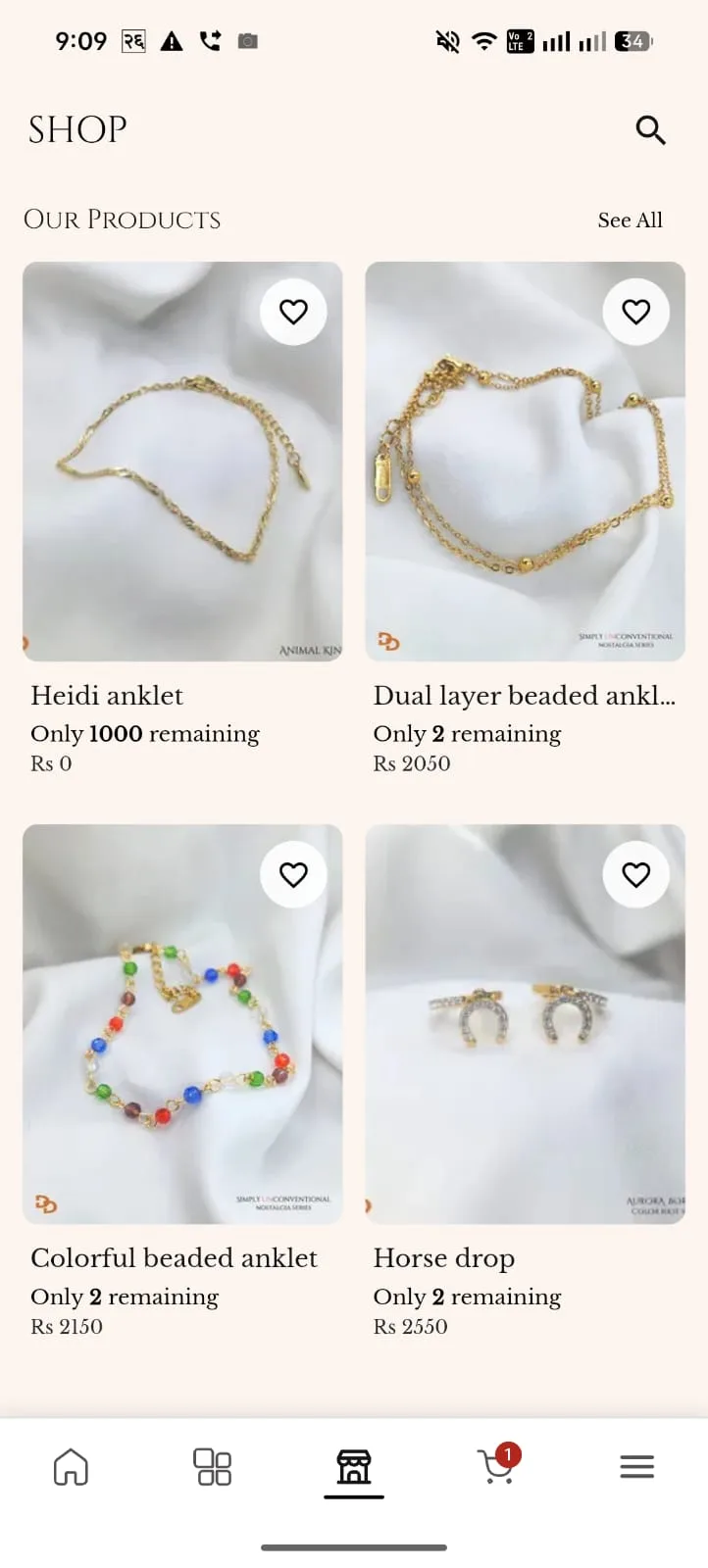
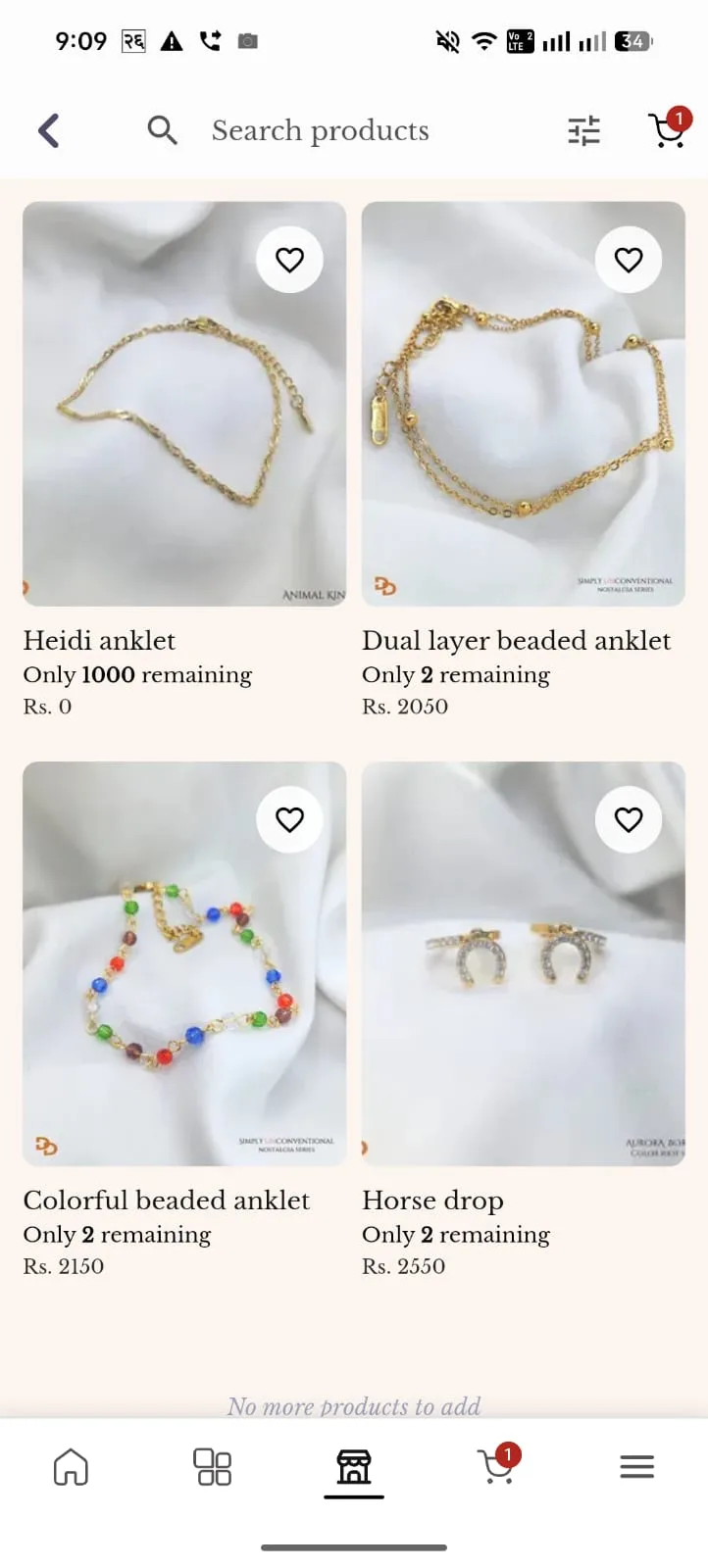
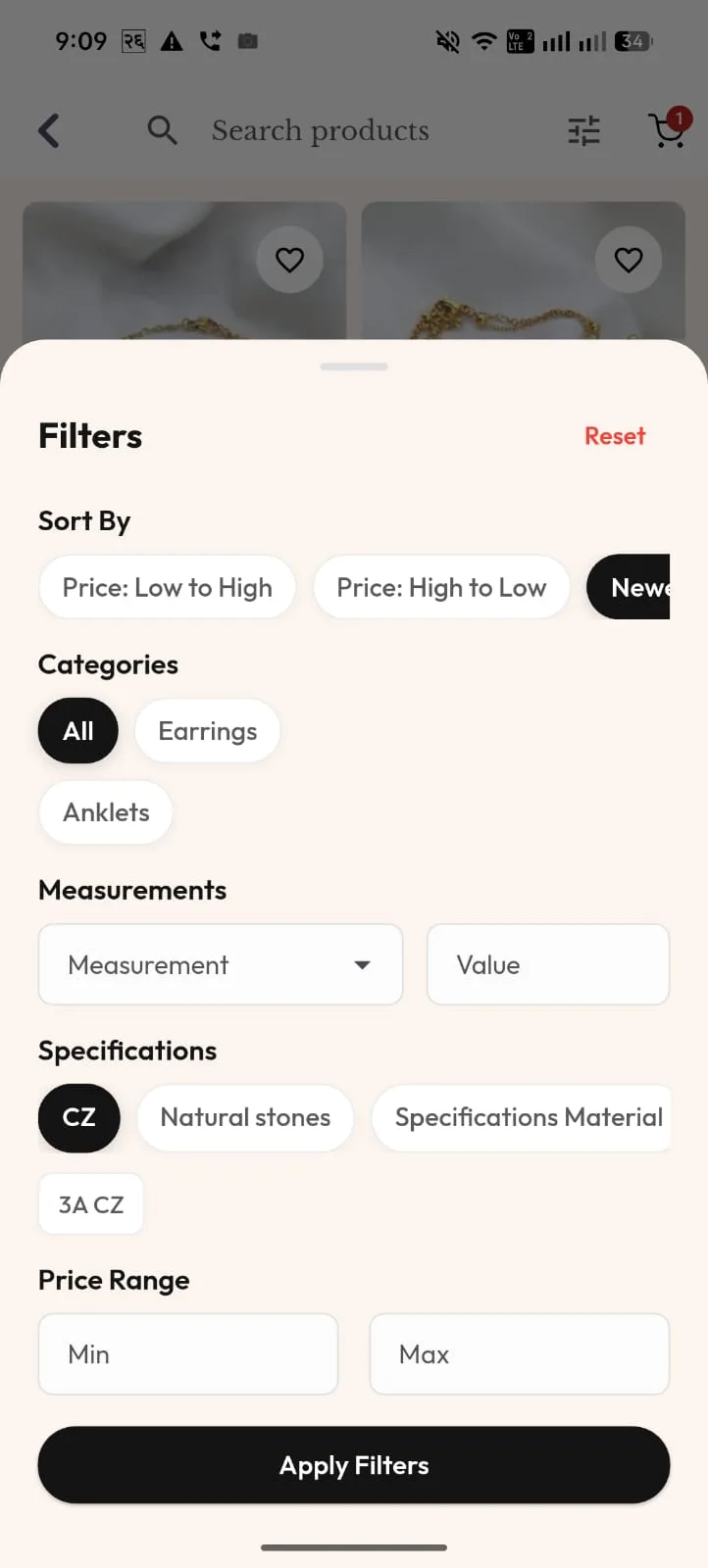
Browse
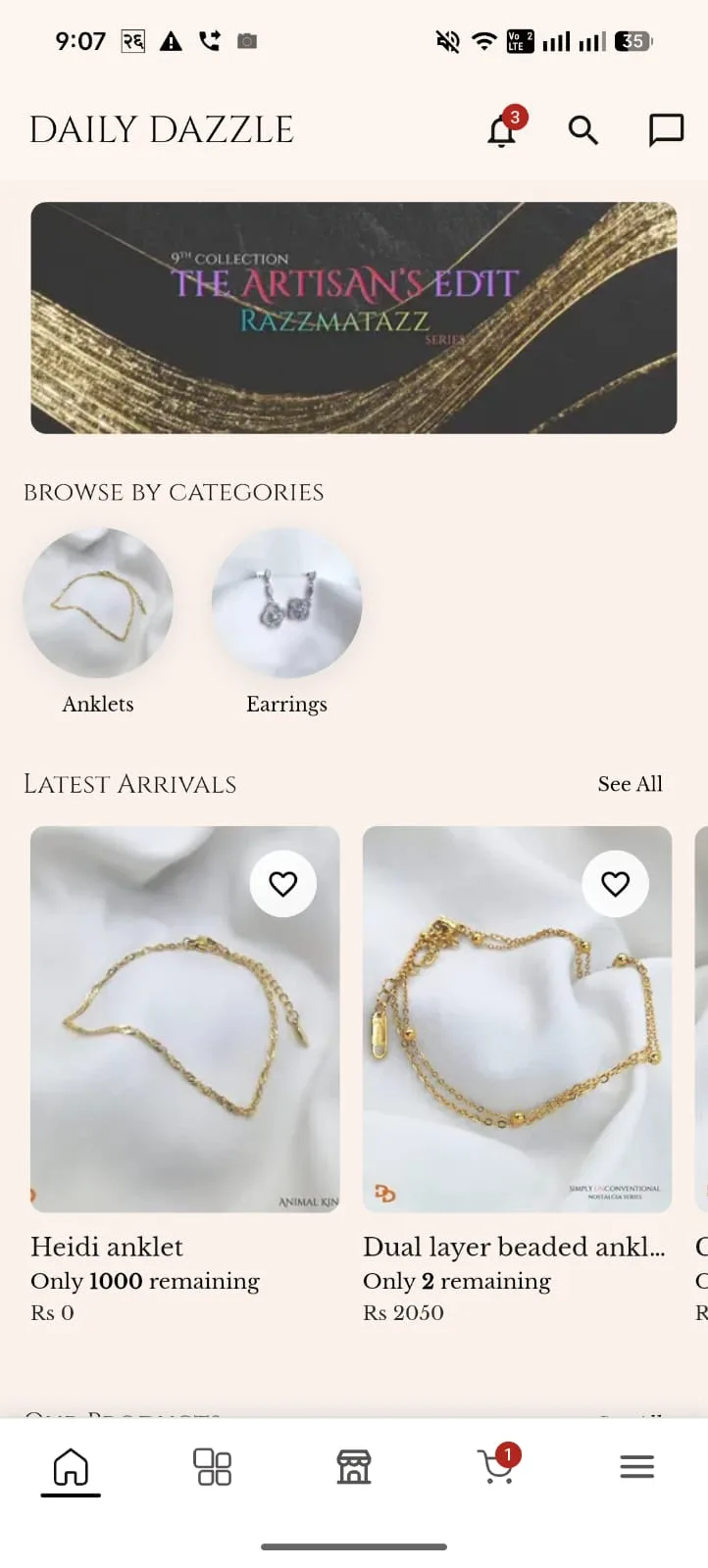
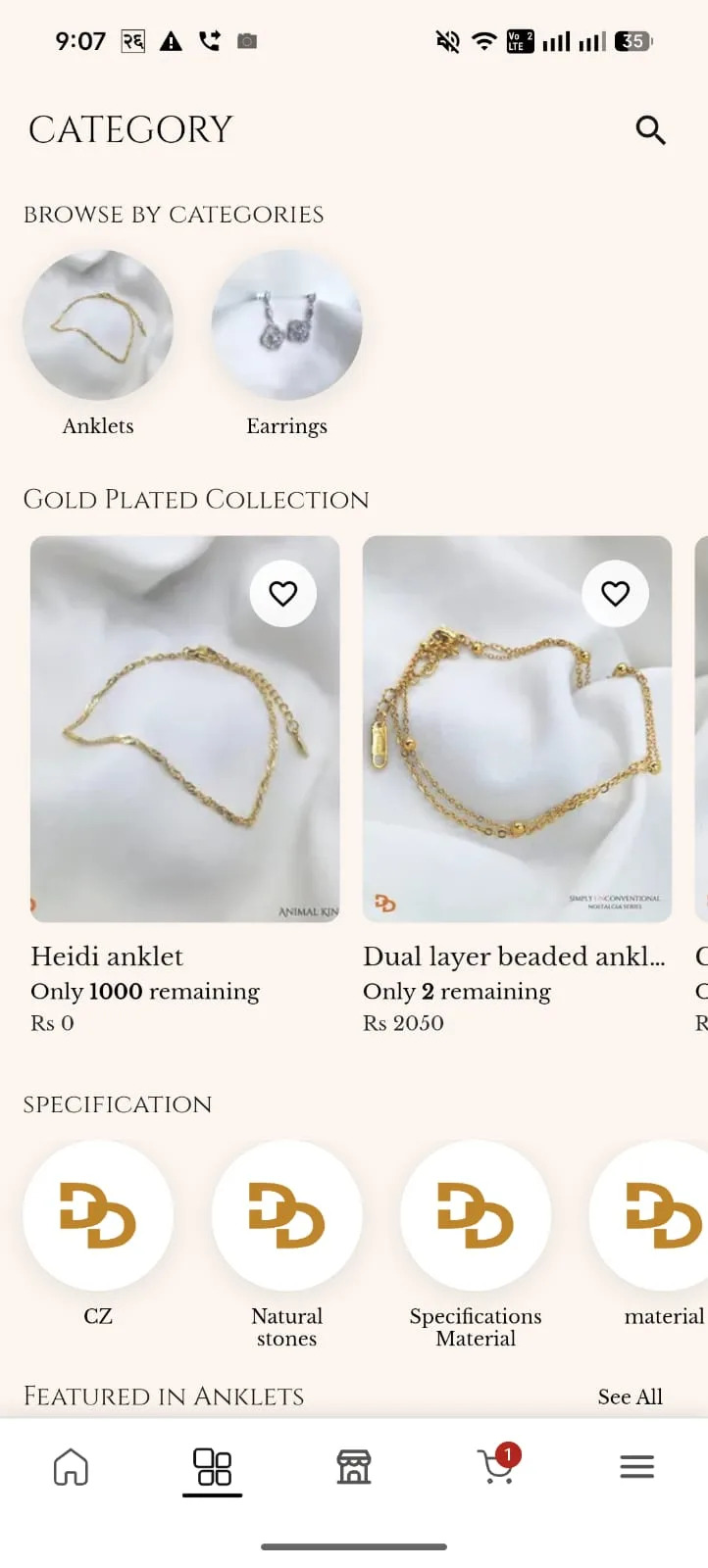
Home, Category and Shop are laid out by the server. Search opens on the whole catalogue, and the filter sheet narrows it by category, measurement, stone and price.
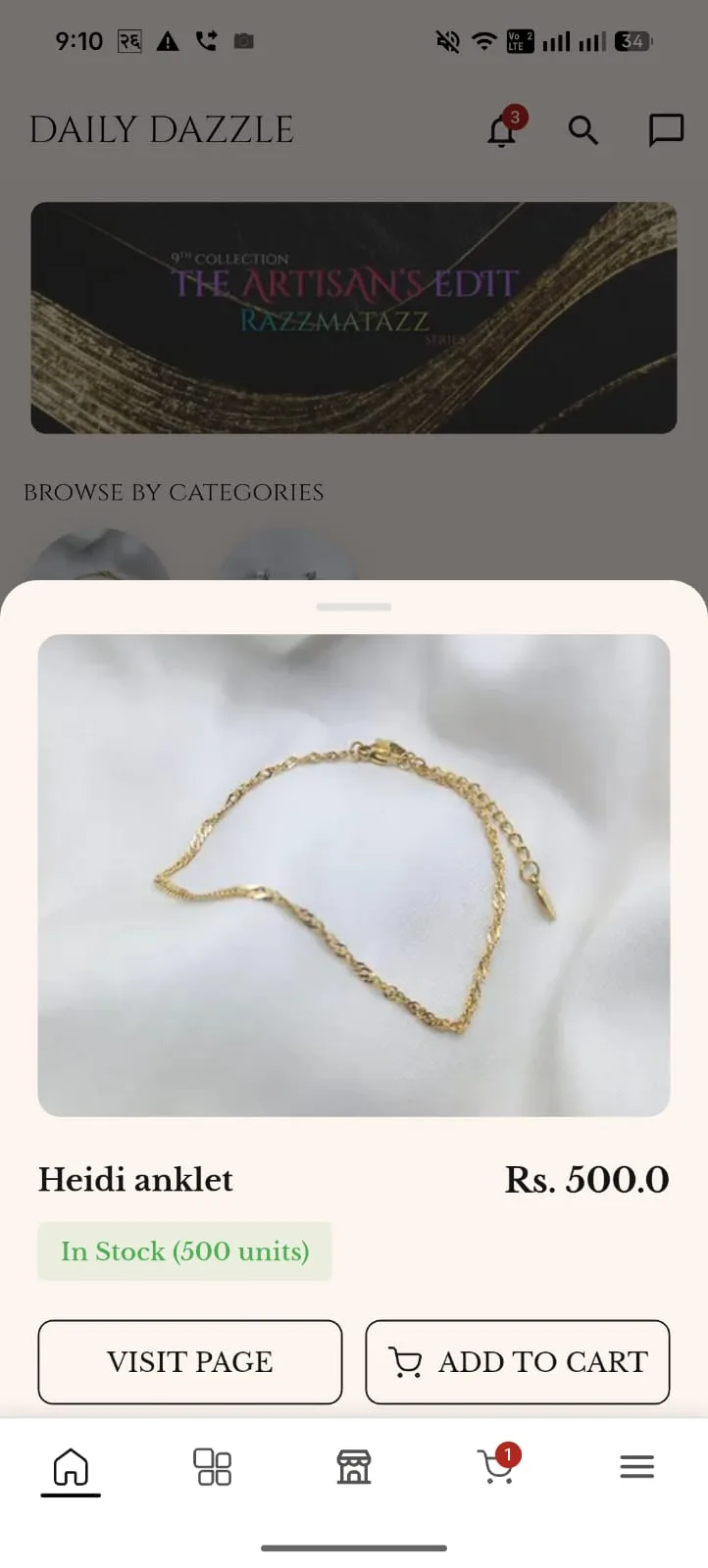
Choose
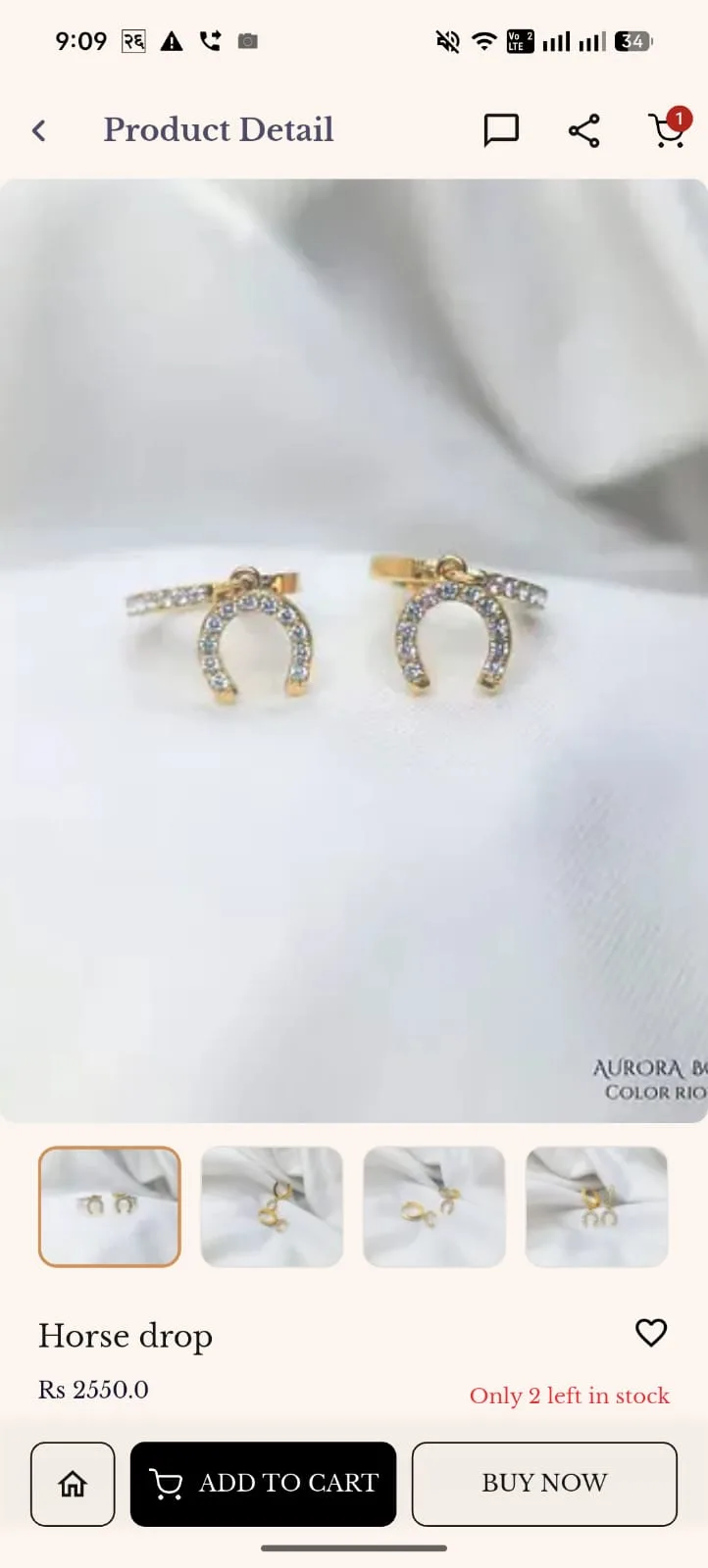
Hold a product and it comes up in a sheet without leaving the list. Its own page has the photographs, the stock that is left, the specifications and a care guide.
Keep up
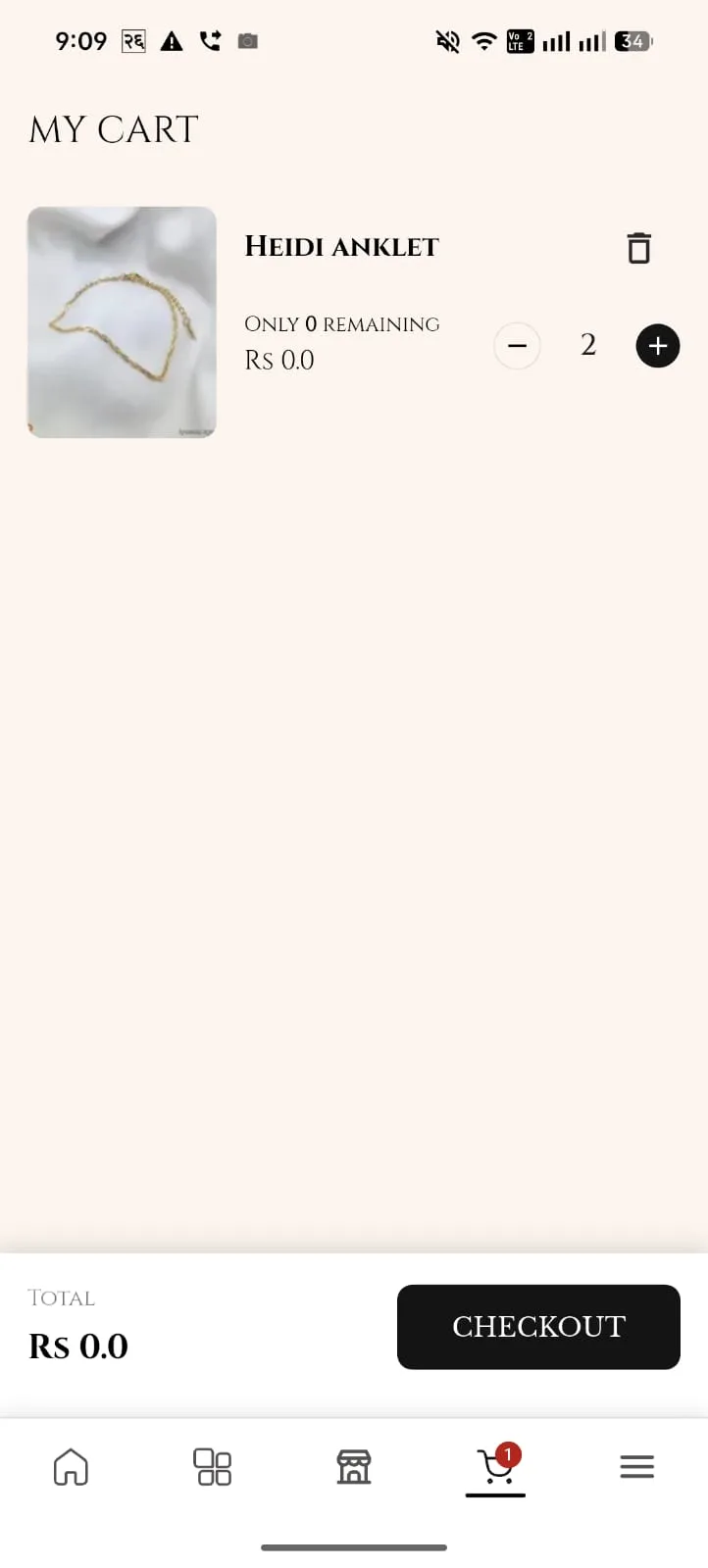
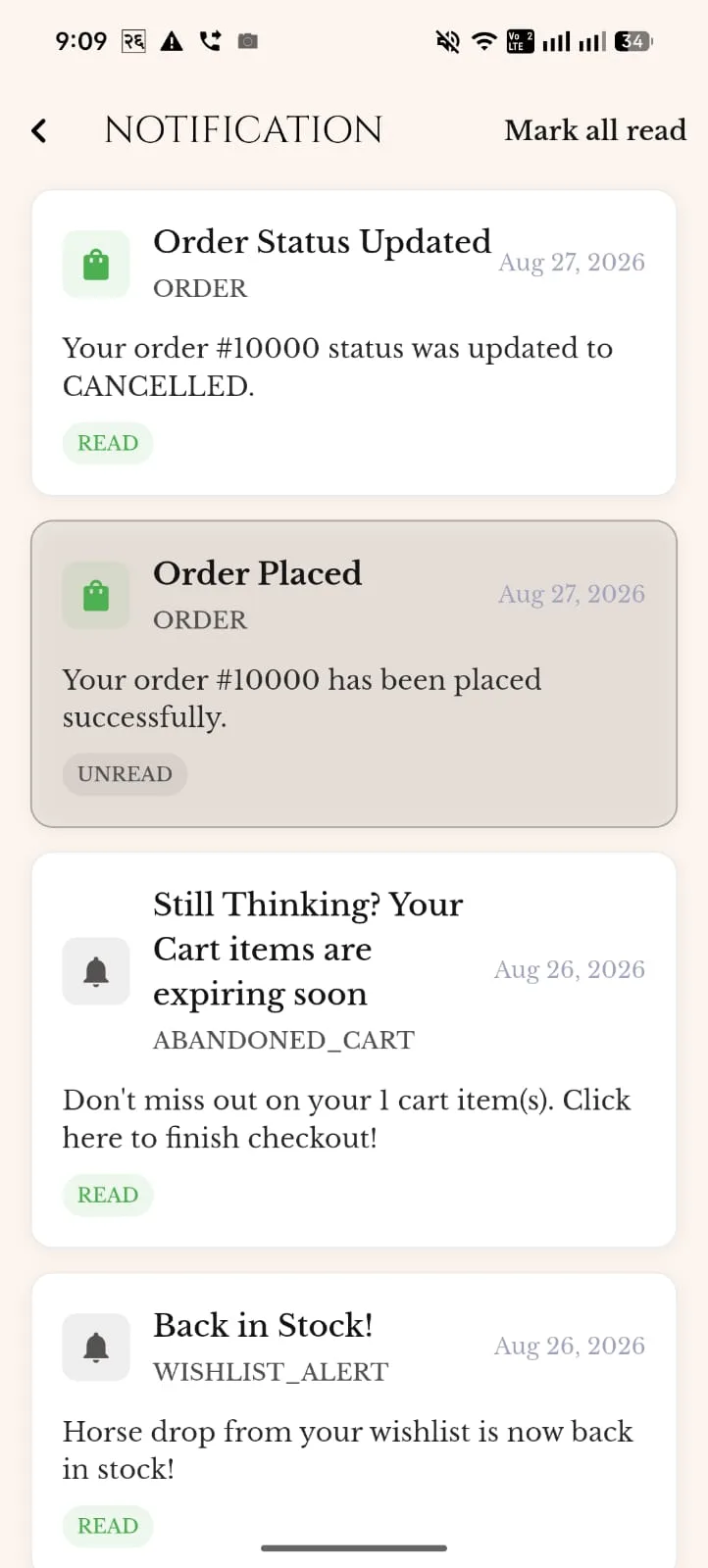
The cart, a profile that holds Dazzling Credits to spend at checkout, orders sorted by where they have got to, and a notification for each step.
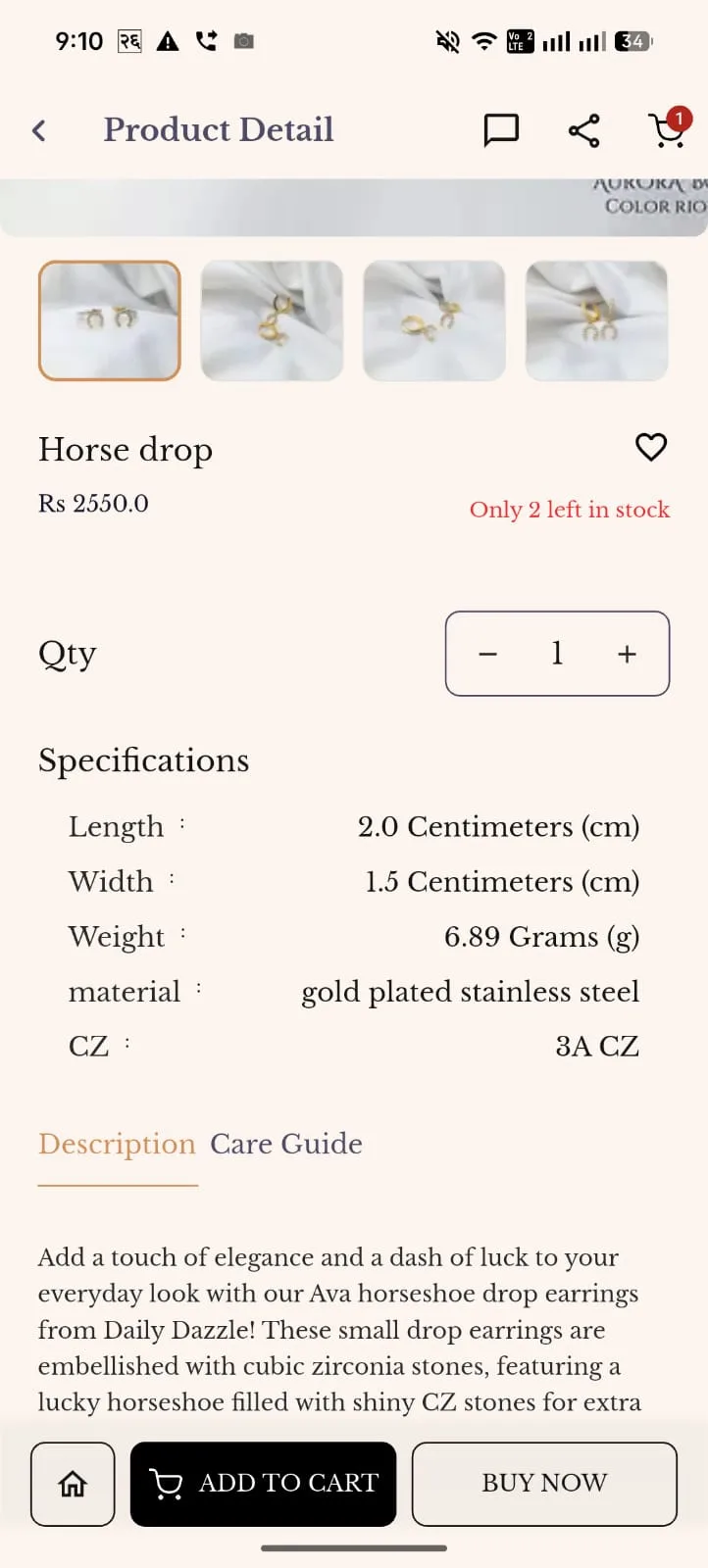
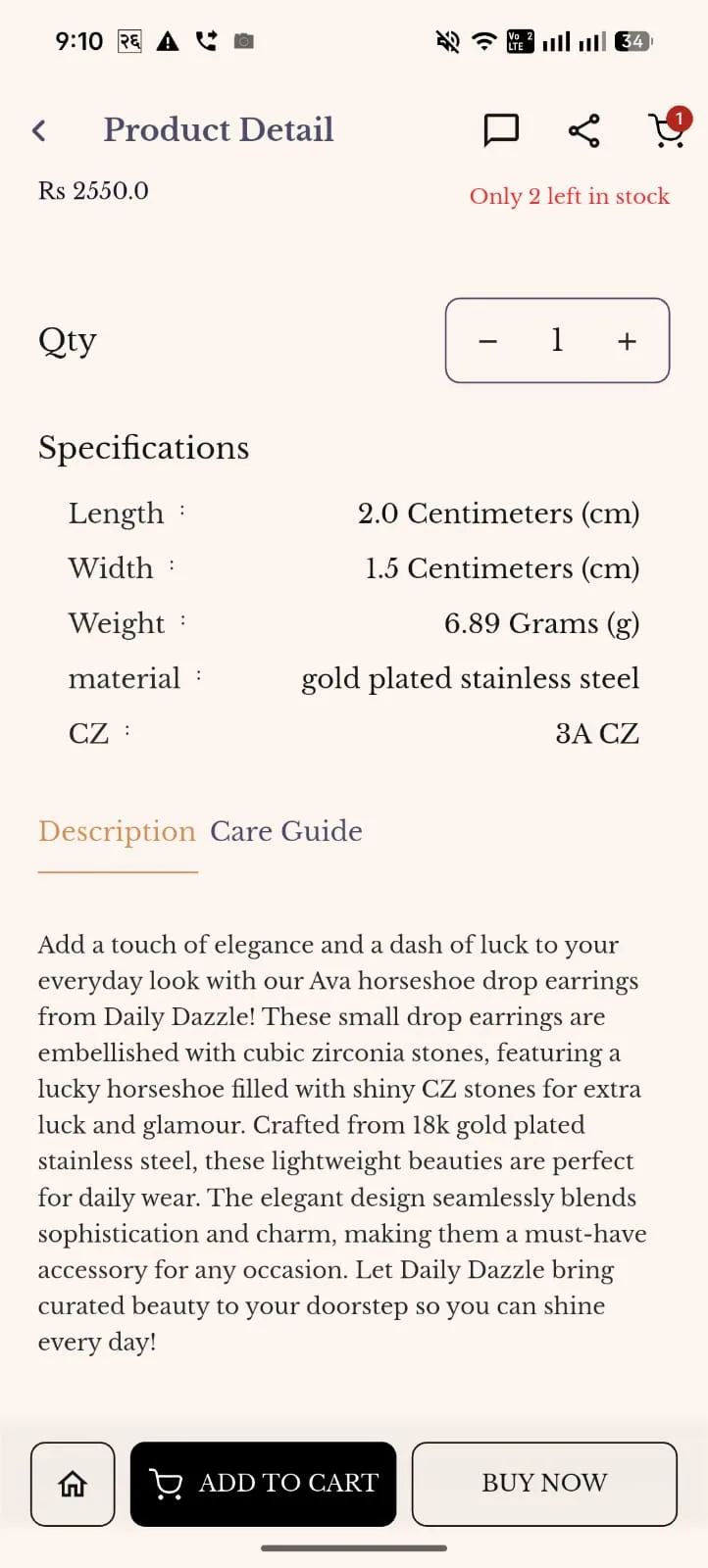
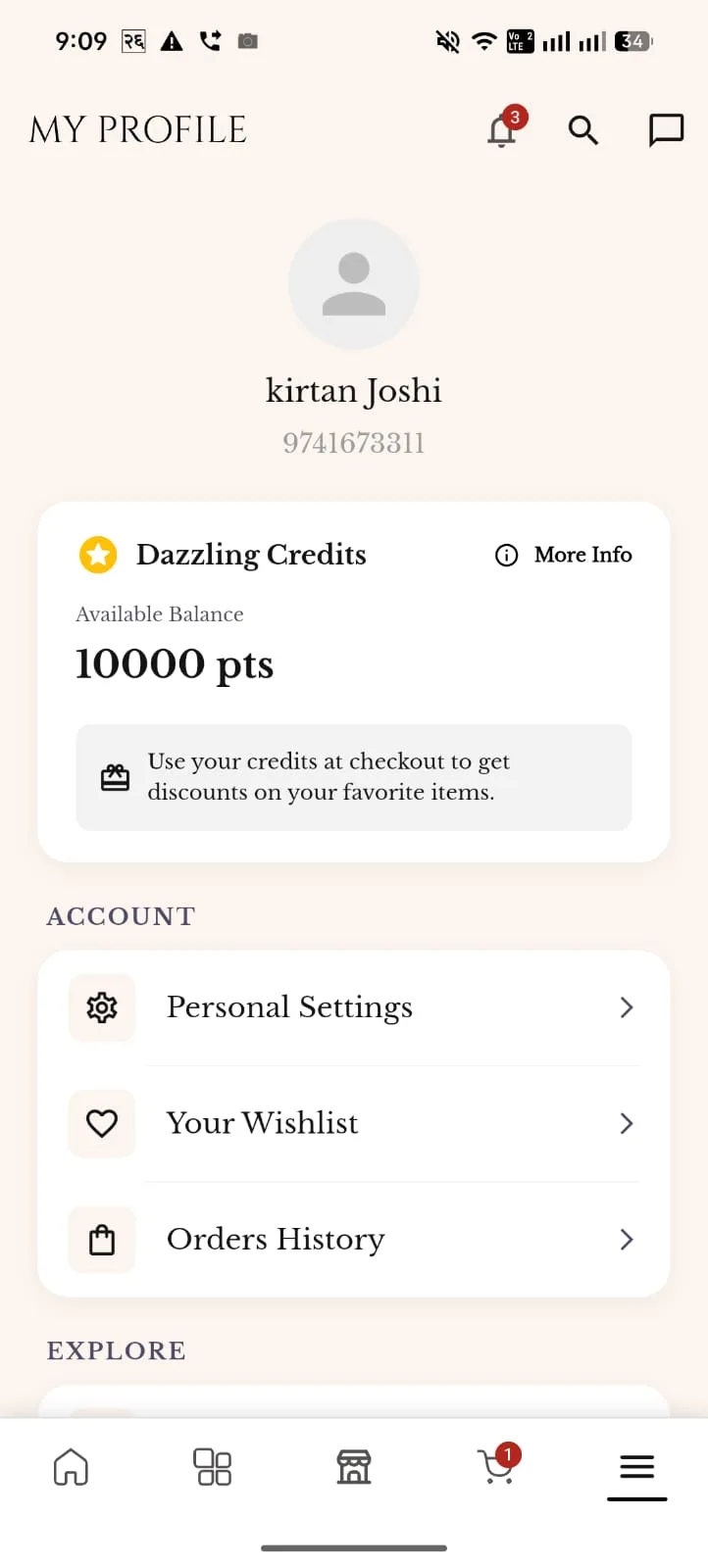
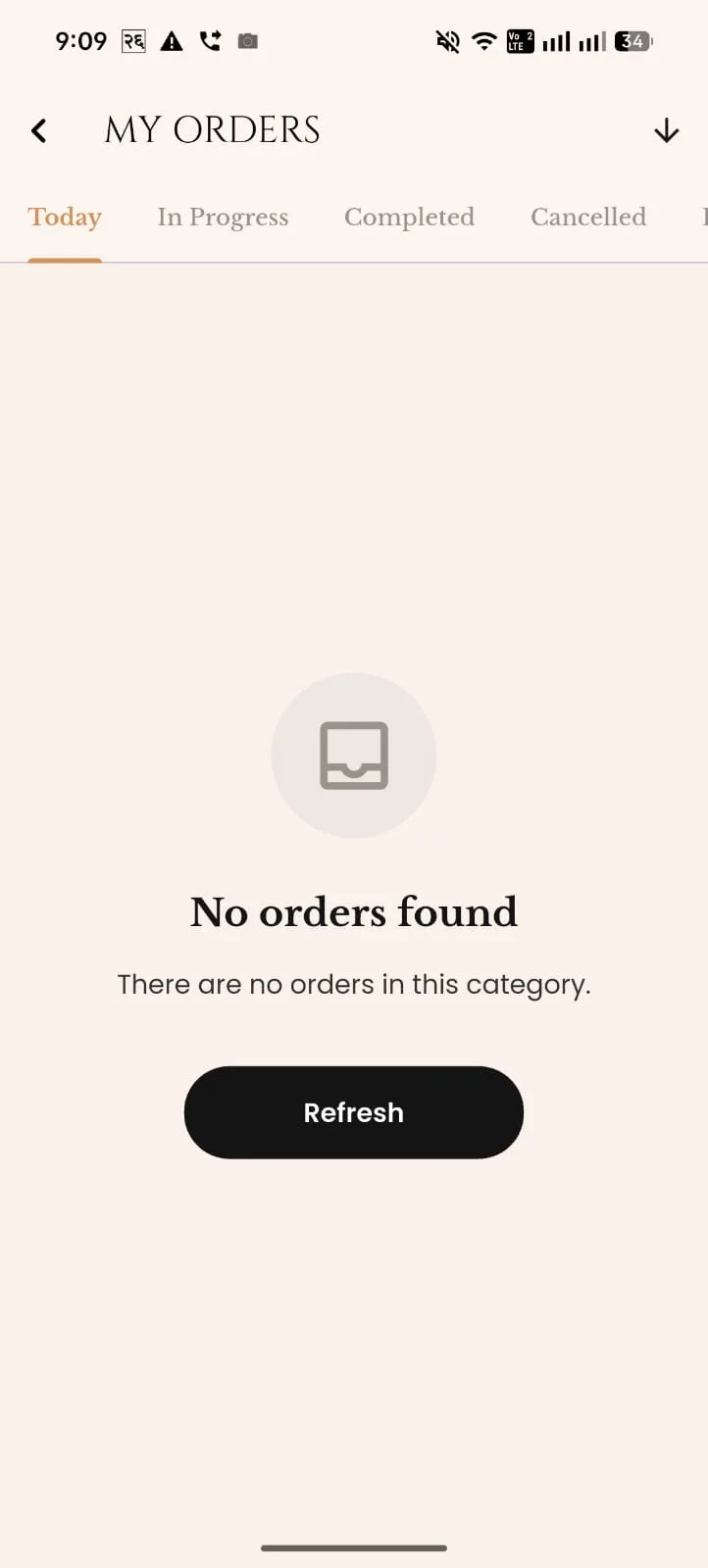
One shop, three apps
An order is placed in one app, packed from another and carried out of the door with the third.
For customers
The shop
Browse, pay, follow the order and talk to the shop. Most of this app is my work.
- Checkout, orders, tracking and complaints
- Chat, the AI wizards and loyalty credits
- 517 Dart files, now at version 1.0.3
For the shop's staff
The counter
Orders, the catalogue, campaigns, customers and drivers, with every conversation in one inbox, Instagram and Messenger included.
- Reworked the CMS, chat, driver and order pages
- Added notifications and order filters
- Made it build as two brands
For delivery drivers
The road
A driver signs in and sees the deliveries that are theirs. I joined this one for its sign-in and its look.
- Sign-in for drivers
- Theme and interface
- A second brand from the same code
How it is built
Sixteen techniques from the three apps, tipped out of the box.
State, 1 of 16
Riverpod, generated
Every screen reads its state from a Riverpod notifier written with annotations, so the providers are generated and checked when the app is built.
Touch a label to read it.
Type and colour
One typeface for the titles and one gold. The wider the roof, the more of the screen that colour covers. Select a tier to copy its hex.
Cinzel on cream
Cinzel capitals for every title, Libre Baskerville for the reading, and one gold.
Cinzel
- Regular 400Latest Arrivals
- Medium 500Browse by Categories
- SemiBold 600My Cart
- Bold 700DAILY DAZZLE
Aa Bb Cc Dd Ee Ff Gg Hh Ii Jj Kk Ll Mm Nn Oo Pp Qq Rr Ss Tt Uu Vv Ww Xx Yy Zz 0123456789